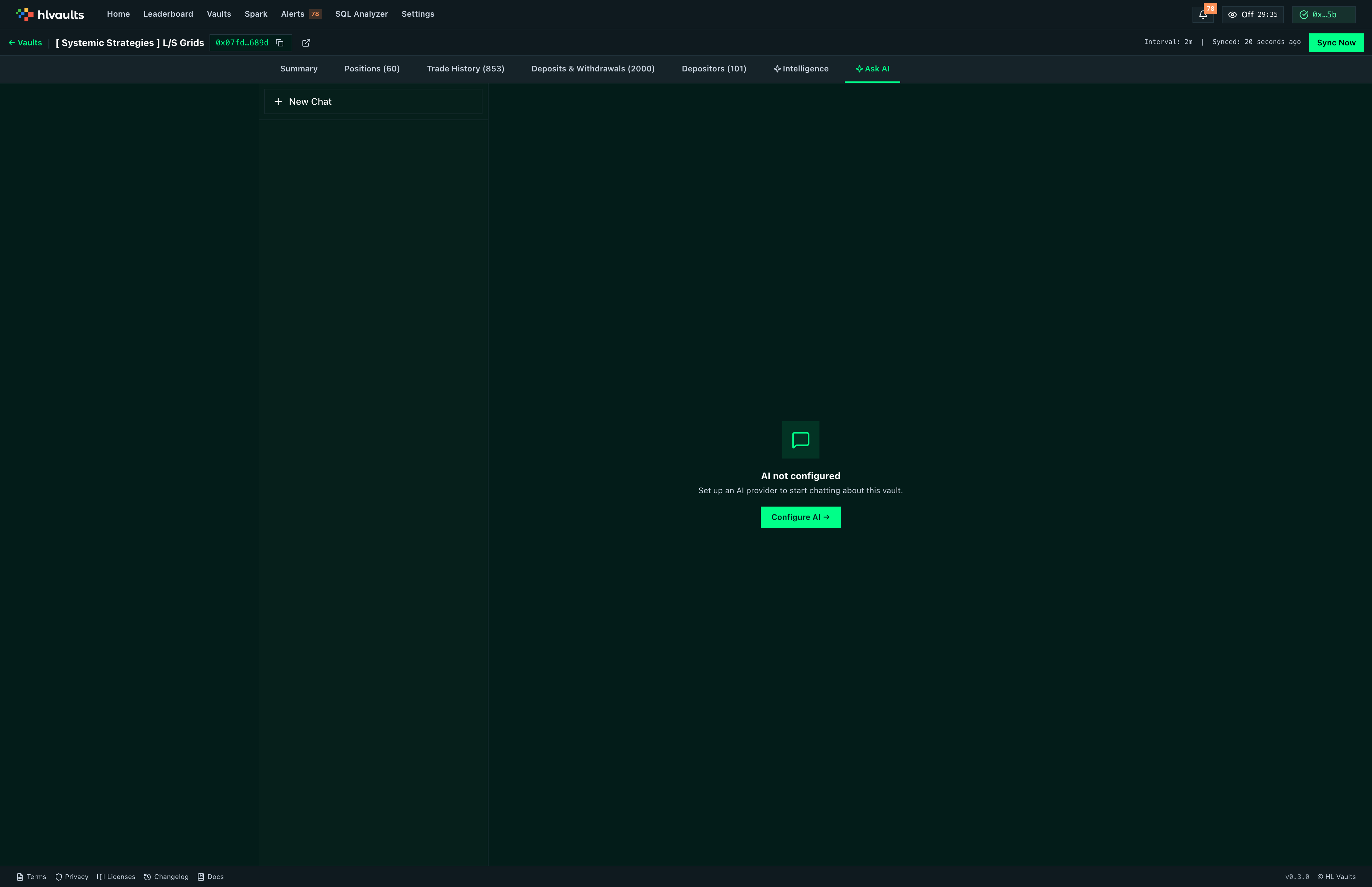
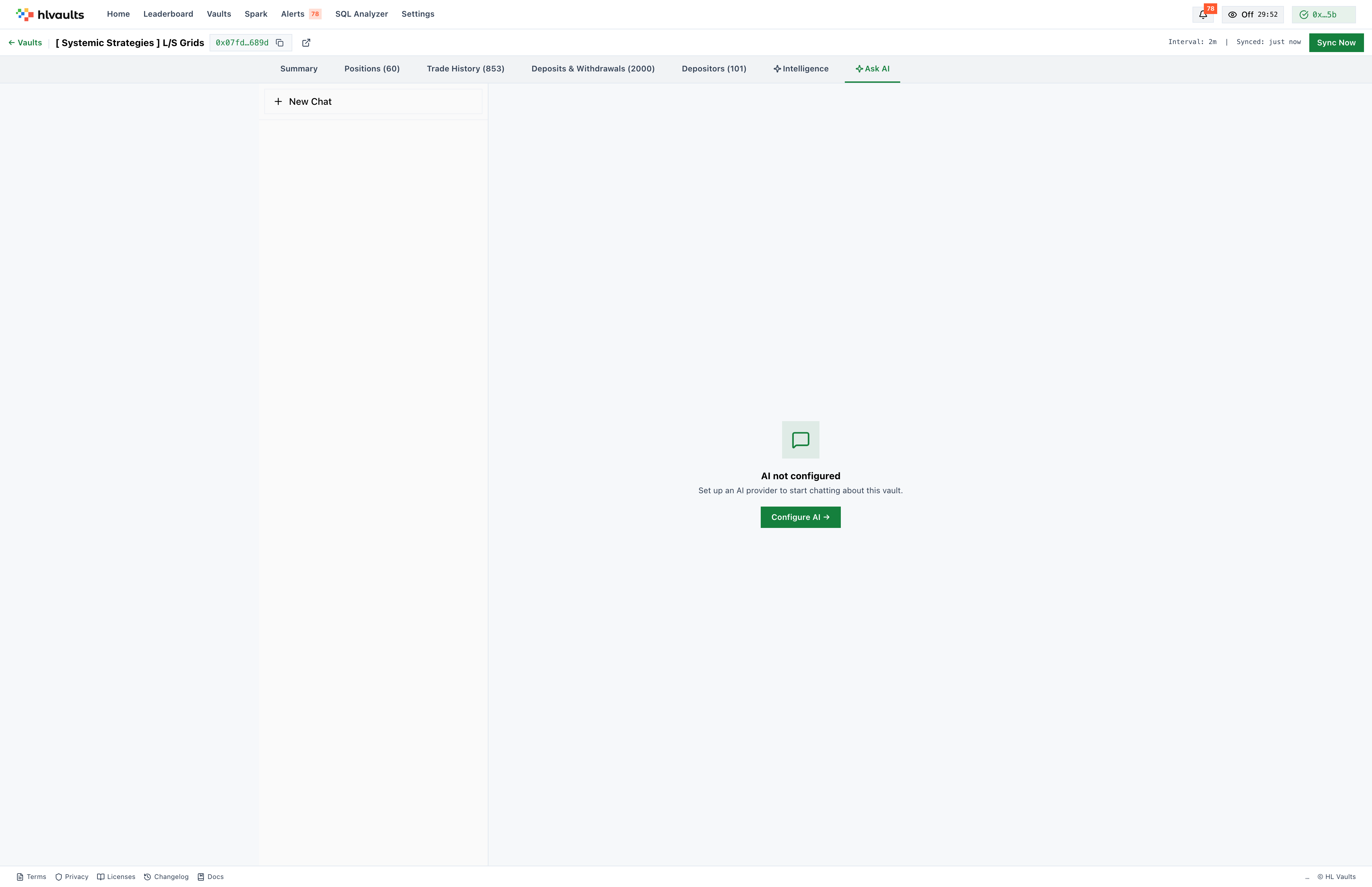
Ask AI
Pro Feature★ Pro
The Ask AI tab provides a chat interface scoped to this vault. Instead of jumping between tabs and cross-referencing numbers, you can ask questions in natural language and get answers drawn from the vault’s data.
What you can ask
Section titled “What you can ask”The AI has access to the vault’s fills, positions, and intelligence signals. This means you can ask questions that would otherwise require manual correlation:
- “What does this vault typically do during high-volatility events?”
- “Show me the largest losing trades and what they had in common.”
- “How does the leader’s leverage change after a drawdown?”
You can also use it as a discovery tool — if you are not sure what to look at, ask the AI what stands out about this vault.
Thread management
Section titled “Thread management”Conversations are organized into threads. Create a new thread for each independent line of inquiry. Switch between threads to revisit earlier analysis. Delete threads when they are no longer useful.
Threads are automatically named by the LLM based on the conversation content, so you can find them later without remembering what you typed.
Response behavior
Section titled “Response behavior”Responses stream in as they are generated, with a reasoning display that shows the AI’s thinking process. This makes it clear where the answer is coming from and lets you stop reading mid-response if the reasoning goes off track.
Data persistence
Section titled “Data persistence”Messages are stored locally in your browser’s database. Your conversations persist across sessions and page reloads. They are not sent to any server beyond the LLM provider you have configured.
Limitations
Section titled “Limitations”Ask AI is only as good as its context window. It can reference fills, signals, and analysis data, but it does not have real-time access to external market data or news. Treat its answers as analysis aids, not investment advice.