

Settings
The Settings page has five tabs: General, AI, Performance, Data, and Depositors.
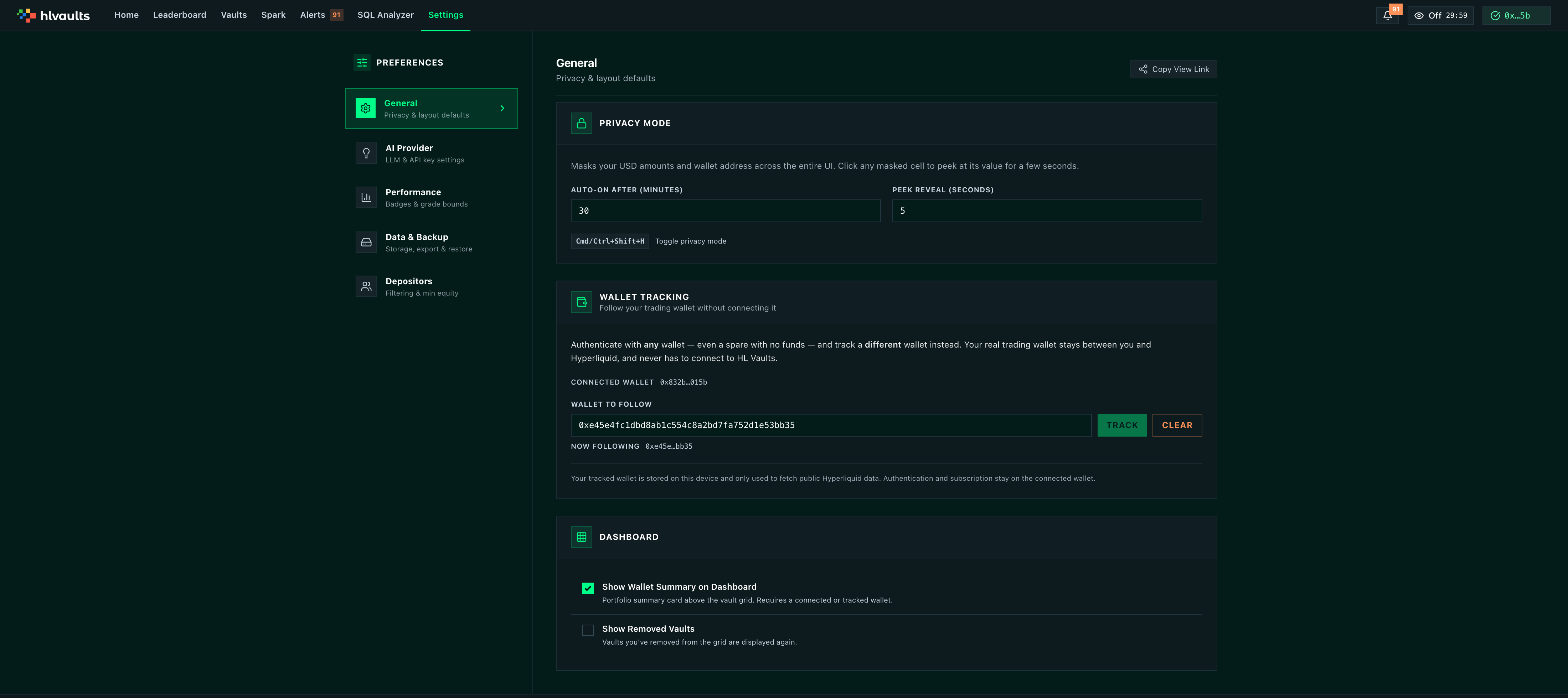
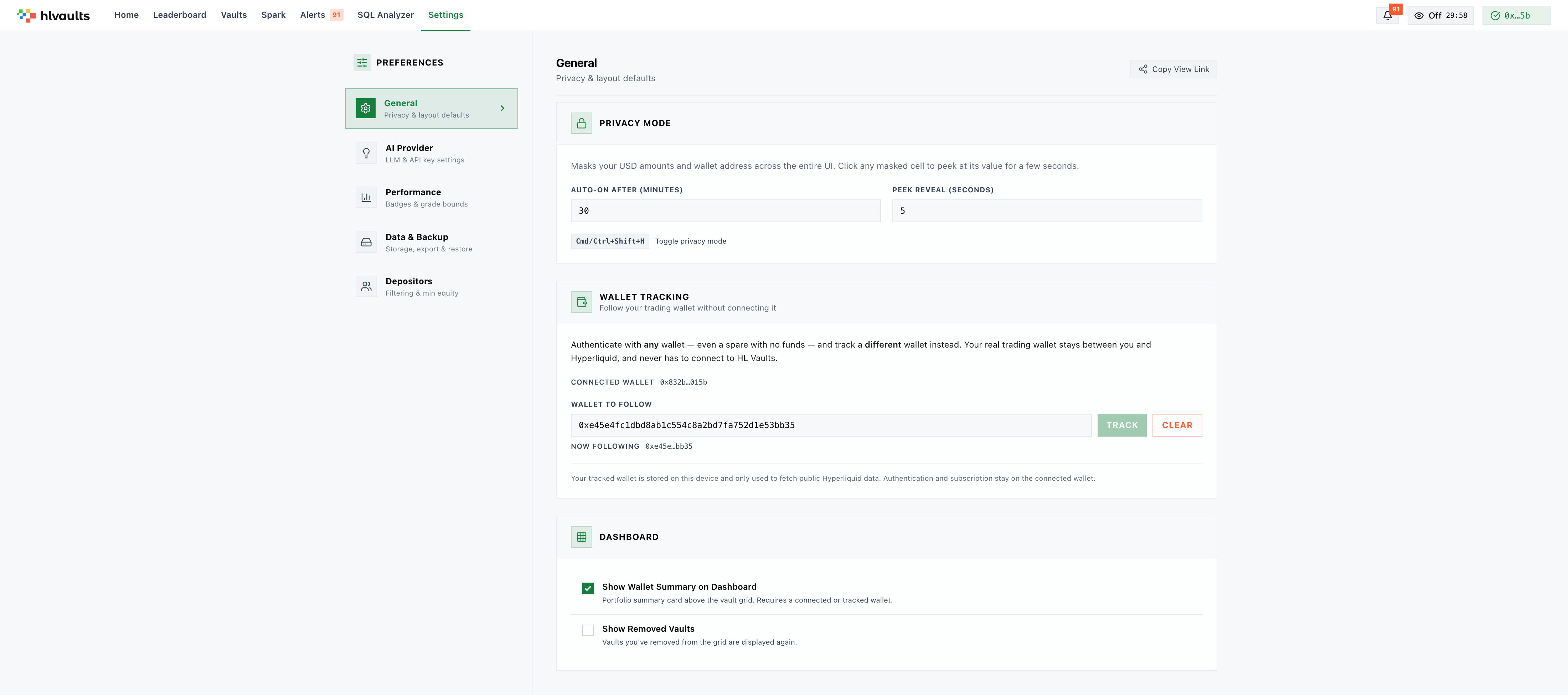
Privacy Mode
Section titled “Privacy Mode”Privacy mode masks USD amounts and wallet addresses across the entire UI. Useful when using the app in public or sharing your screen.
Auto-On Timer — Set privacy mode to activate automatically after a period of inactivity (default 30 minutes).
Peek Reveal — Hover or click to temporarily reveal hidden values for a configurable number of seconds (default 5s).
Keyboard Shortcut — Cmd+Shift+H (Mac) or Ctrl+Shift+H (Windows) to toggle privacy mode on and off instantly.
When privacy mode is on, a toast notification confirms the state change. State syncs across browser tabs.
Show Wallet Summary
Section titled “Show Wallet Summary”Toggle the wallet summary banner on the vault grid page. Shows your total portfolio value, weighted APR, PnL, active vaults, and portfolio bias.
Tracked WalletGrowth
Keep your trading wallet off HL Vaults. Authenticate with any wallet — even a spare with no funds — and follow a different wallet instead.
Here’s the payoff: normally the wallet you connect is the one HL Vaults follows. A tracked wallet breaks that link, so the wallet you actually trade with never has to connect to this site. It stays between you and Hyperliquid.
To set it up: Settings → General → Wallet Tracking, paste the address you trade with, and save. From then on:
- Wallet summary, positions, alerts, and your grid columns all follow the tracked wallet.
- Authentication and subscription stay on the connected wallet.
- An explicit
?wallet=lookup (via the wallet search box) temporarily overrides the tracked wallet; clearing the search box returns to it.
Your tracked wallet is stored on this device and only used to fetch public Hyperliquid data — it is never transmitted to our servers.
Show Removed Vaults
Section titled “Show Removed Vaults”Toggle visibility of vaults you’ve previously removed from the grid.
Pro Feature★ Pro
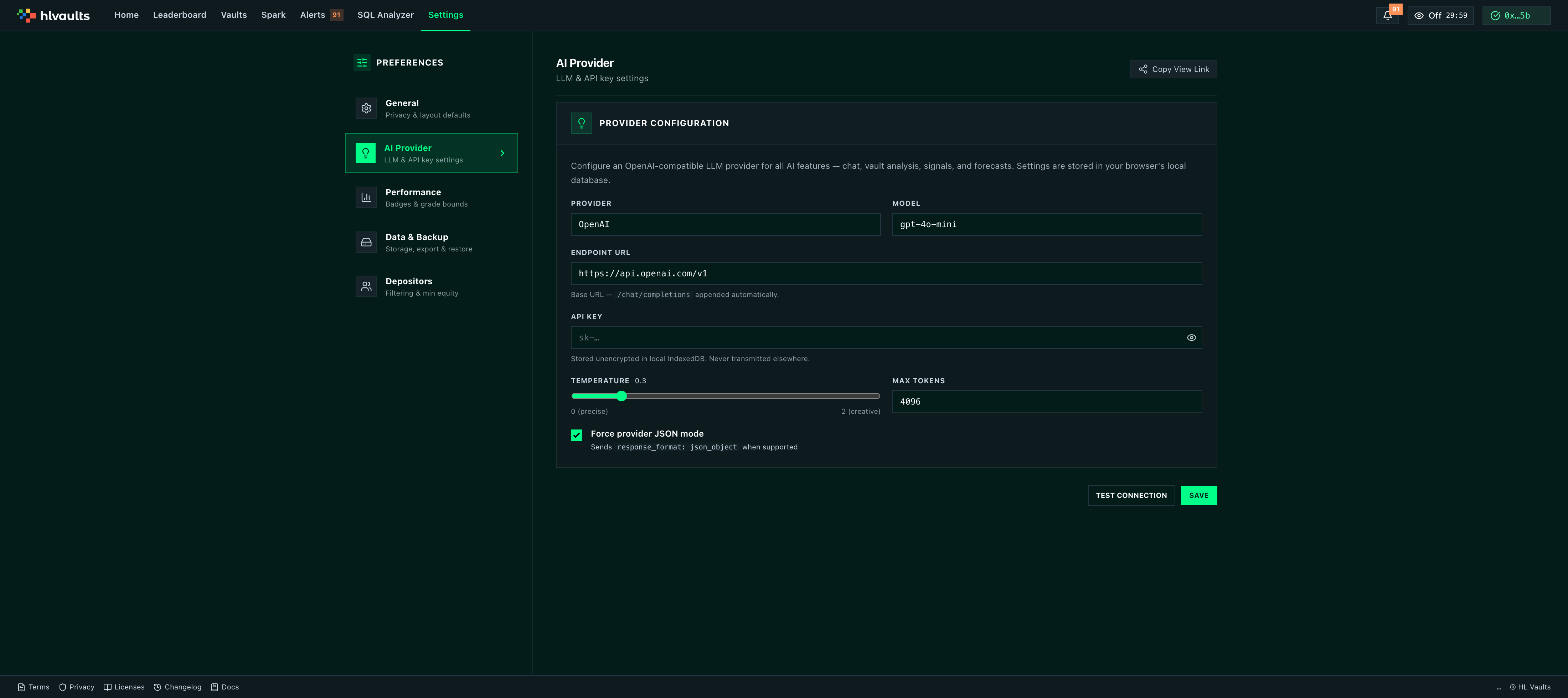
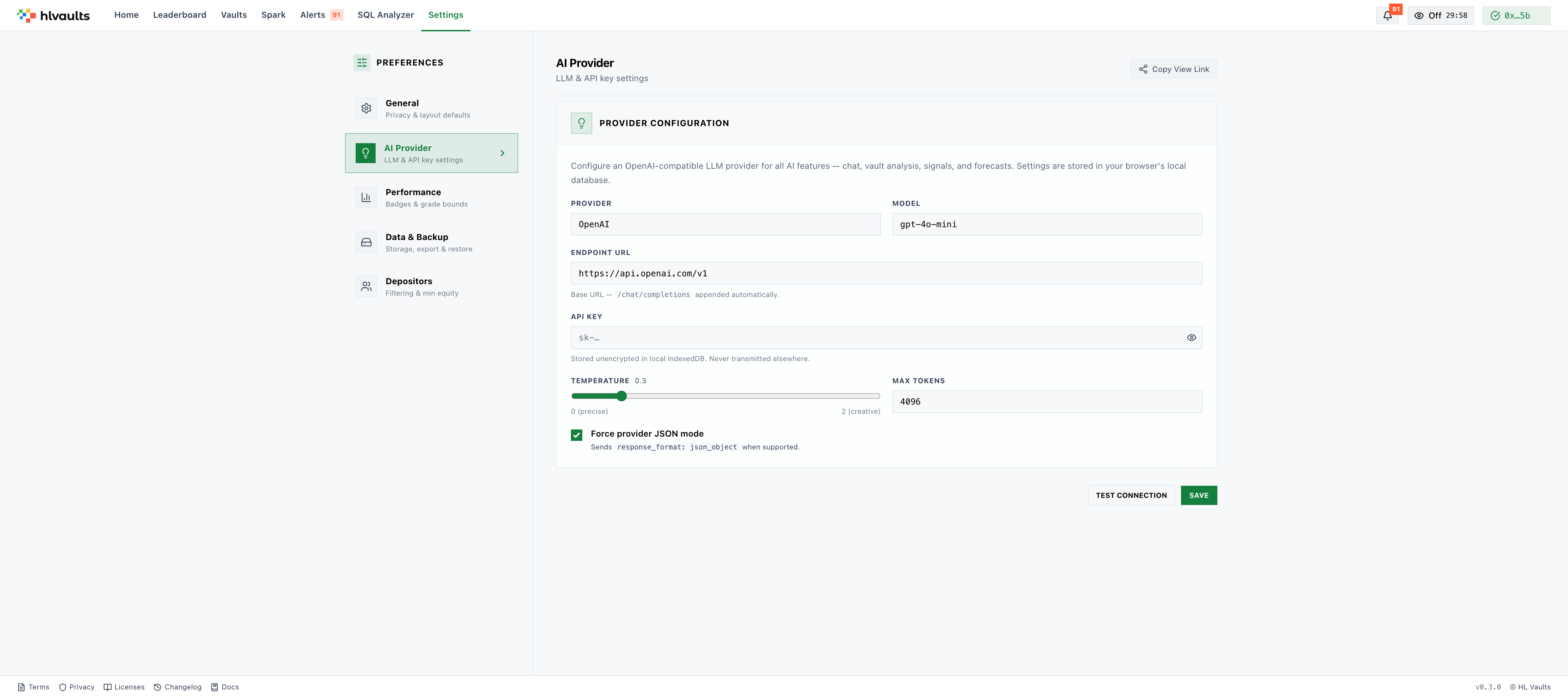
Configure your LLM provider for AI-powered analysis:
| Field | Description |
|---|---|
| Provider | Label for your provider (e.g., “OpenAI”, “Groq”, “OpenRouter”) |
| Endpoint URL | OpenAI-compatible chat completions API URL |
| API Key | Your API key (stored unencrypted in IndexedDB) |
| Model | Model name (e.g., gpt-4o-mini) |
| Temperature | Response creativity (0-2, default 0.3) |
| Max Tokens | Max response length (64-8192, default 4096) |
| JSON Mode | Toggle structured JSON output |
Test Connection verifies your configuration before saving. Forget Key removes the stored API key.
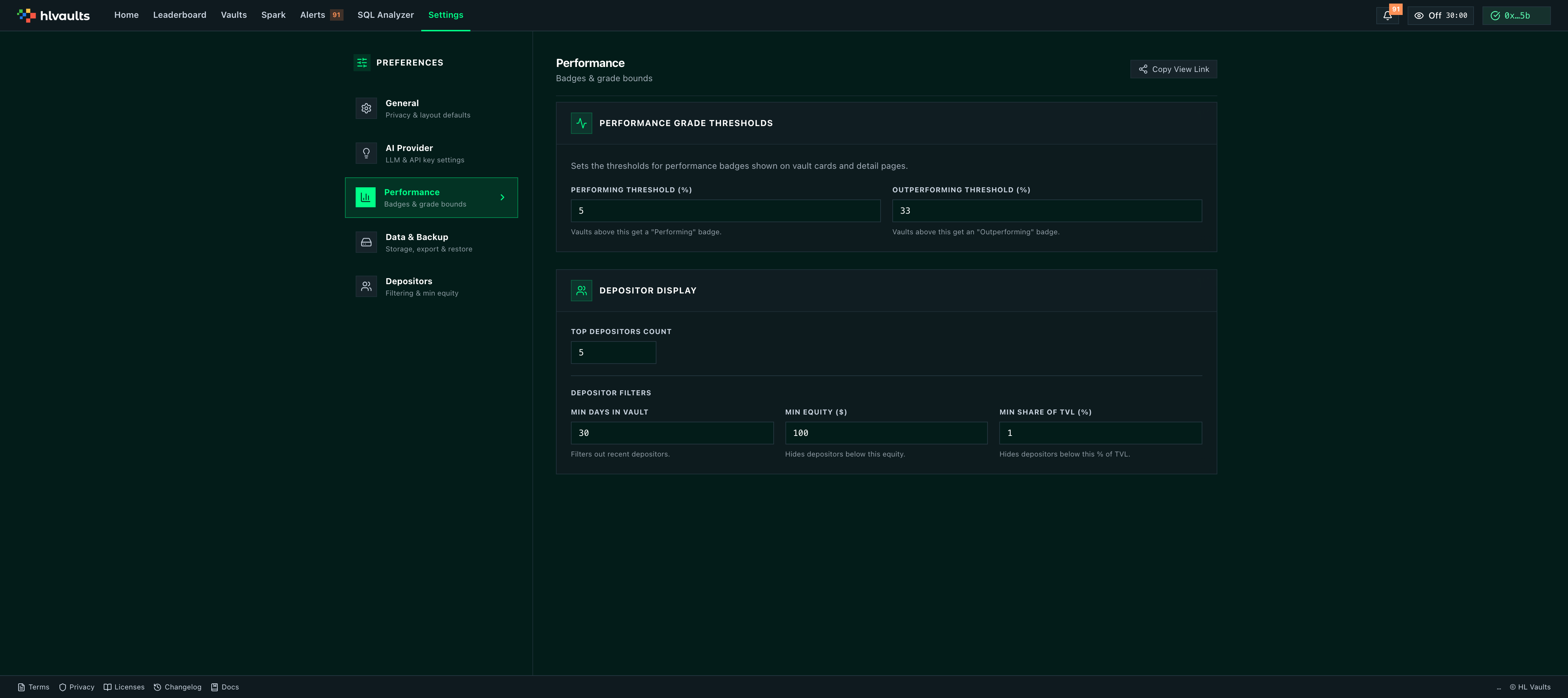
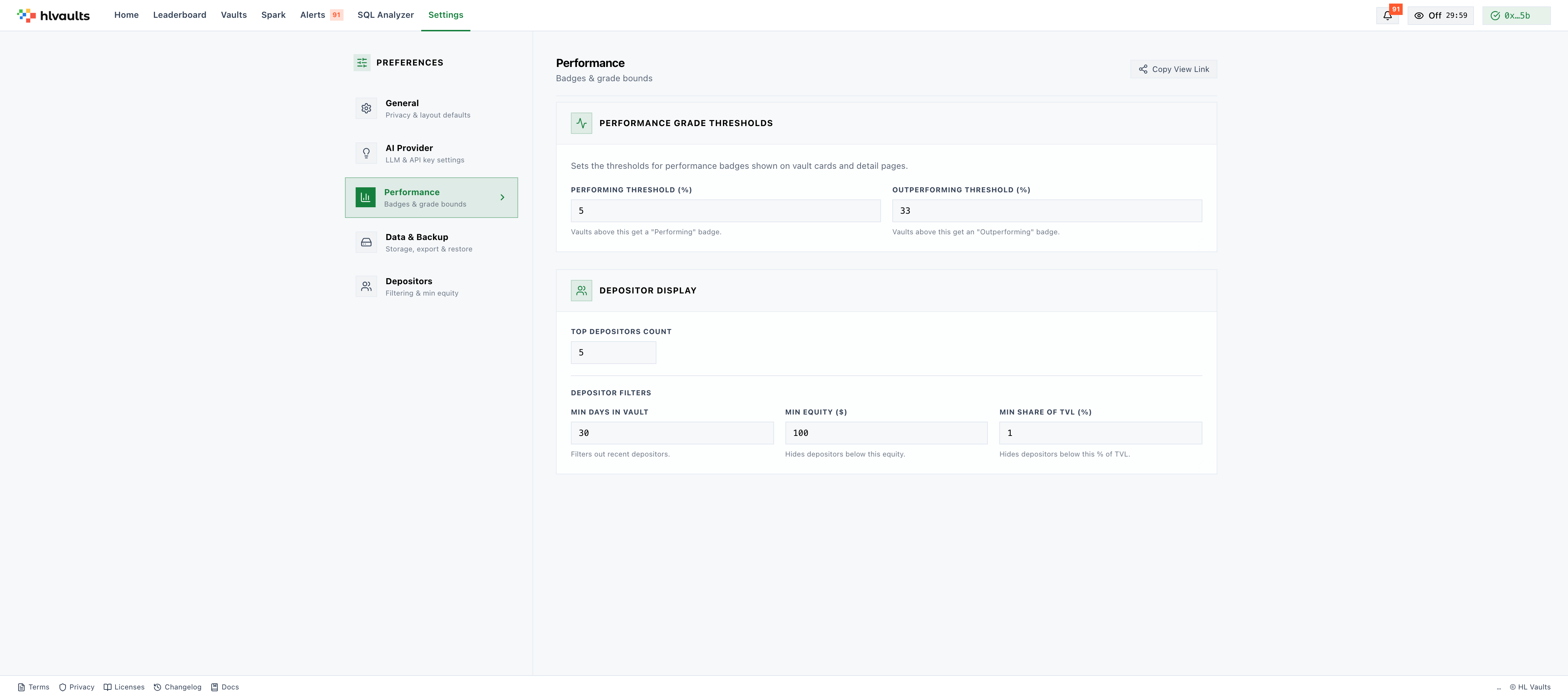
Configure the grade thresholds for LP and DP columns:
| Setting | Default | What it does |
|---|---|---|
| Performing % (B threshold) | 5% | Minimum % for a “Performing” (B) grade |
| Outperforming % (A threshold) | 33% | Minimum % for an “Outperforming” (A) grade |
| Top Depositors Count | 5 | Number of top depositors to average for DP |
| Min Days in Vault | 30 | Minimum days a depositor must be in a vault to qualify for DP |
| Min Equity ($) | 100 | Minimum equity a depositor needs to qualify for DP |
| Min Share of TVL (%) | 1% | Minimum ownership % to qualify for DP |
These thresholds apply globally and affect all vaults. Available on all plans.
Storage Meter
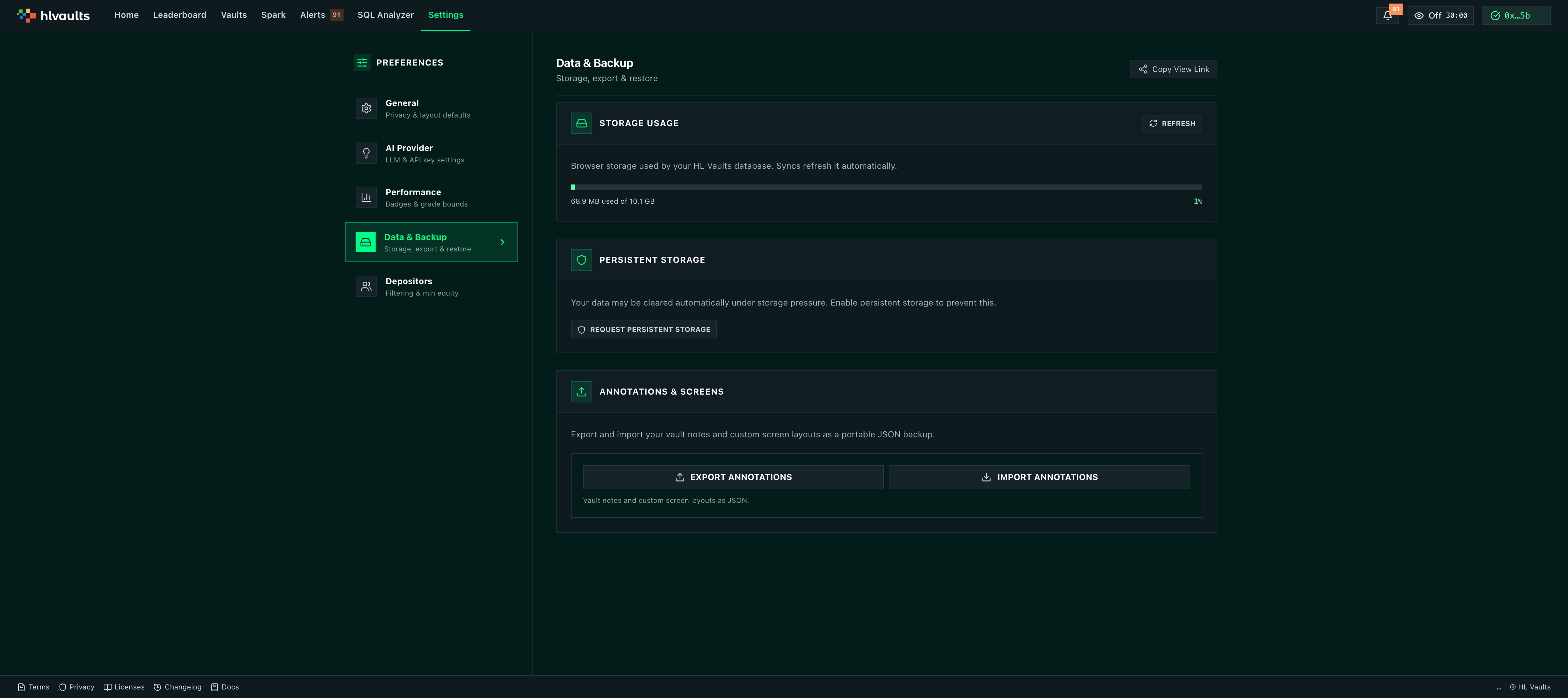
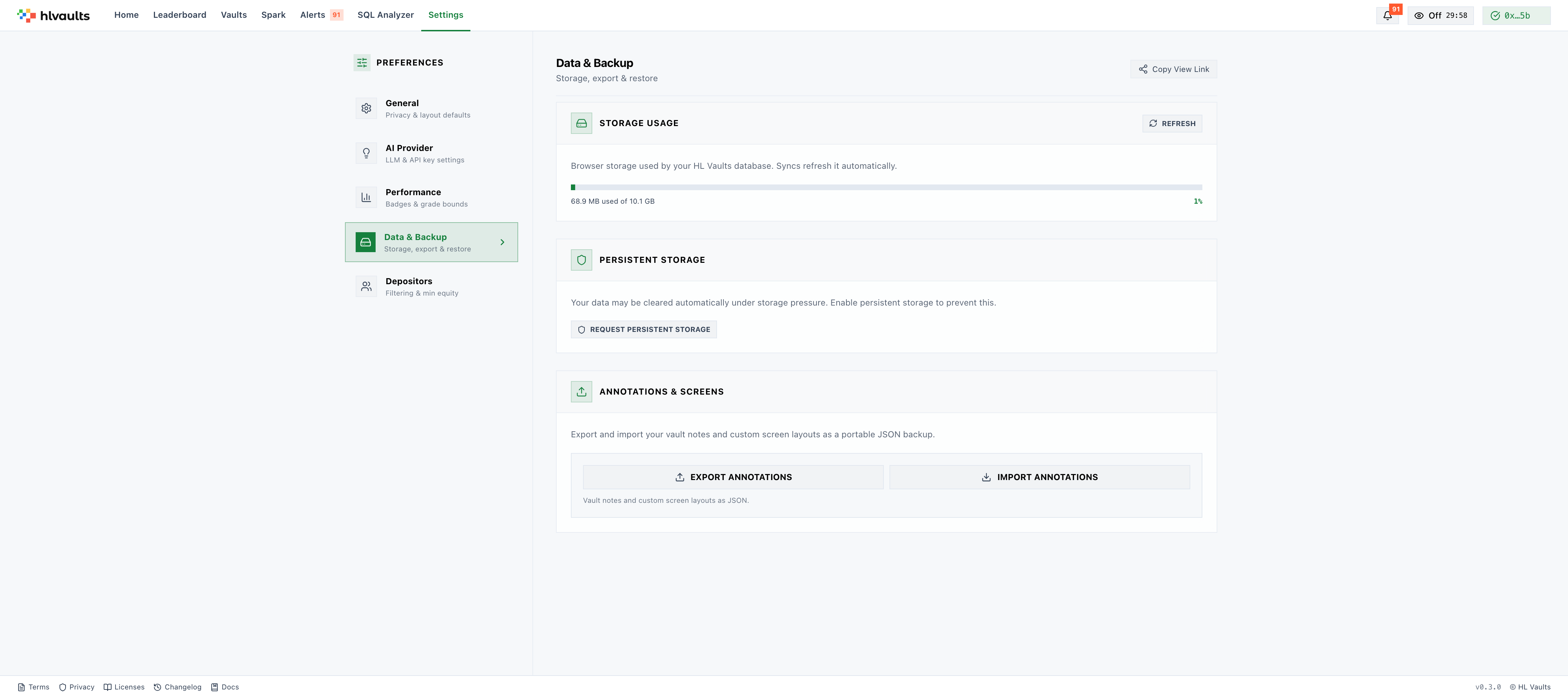
Section titled “Storage Meter”Shows how much of your browser’s IndexedDB storage is in use. Status indicators: OK (under 60%), Warning (60-80%), Critical (over 80%).
Export / Import Annotations
Section titled “Export / Import Annotations”Export — Download your vault notes and custom screen layouts as a JSON file. Import — Upload a previously exported JSON file to restore or merge annotations.
Filter which depositors appear on a vault’s Depositors tab. The full depositor list is a Growth feature, but the filtering preferences apply across your paid sessions.
| Setting | Default | What it does |
|---|---|---|
| Hide Small Depositors | Off | Excludes depositors below a minimum equity threshold |
| Minimum Equity ($) | 100 | Depositors below this equity are hidden when the toggle is on |
| Hide Recent Depositors | Off | Excludes depositors who joined within the last N days |
| Minimum Days in Vault | 7 | Depositors with fewer days are hidden when the toggle is on |
When Hide Recent Depositors is enabled, the depositor list is forced to sort by days-following ascending so the filtered view reads naturally.
Related
Section titled “Related”- Signals & Intelligence — AI provider setup for vault analysis
- Performance Metrics — grade calculation details