

SQL Analyzer
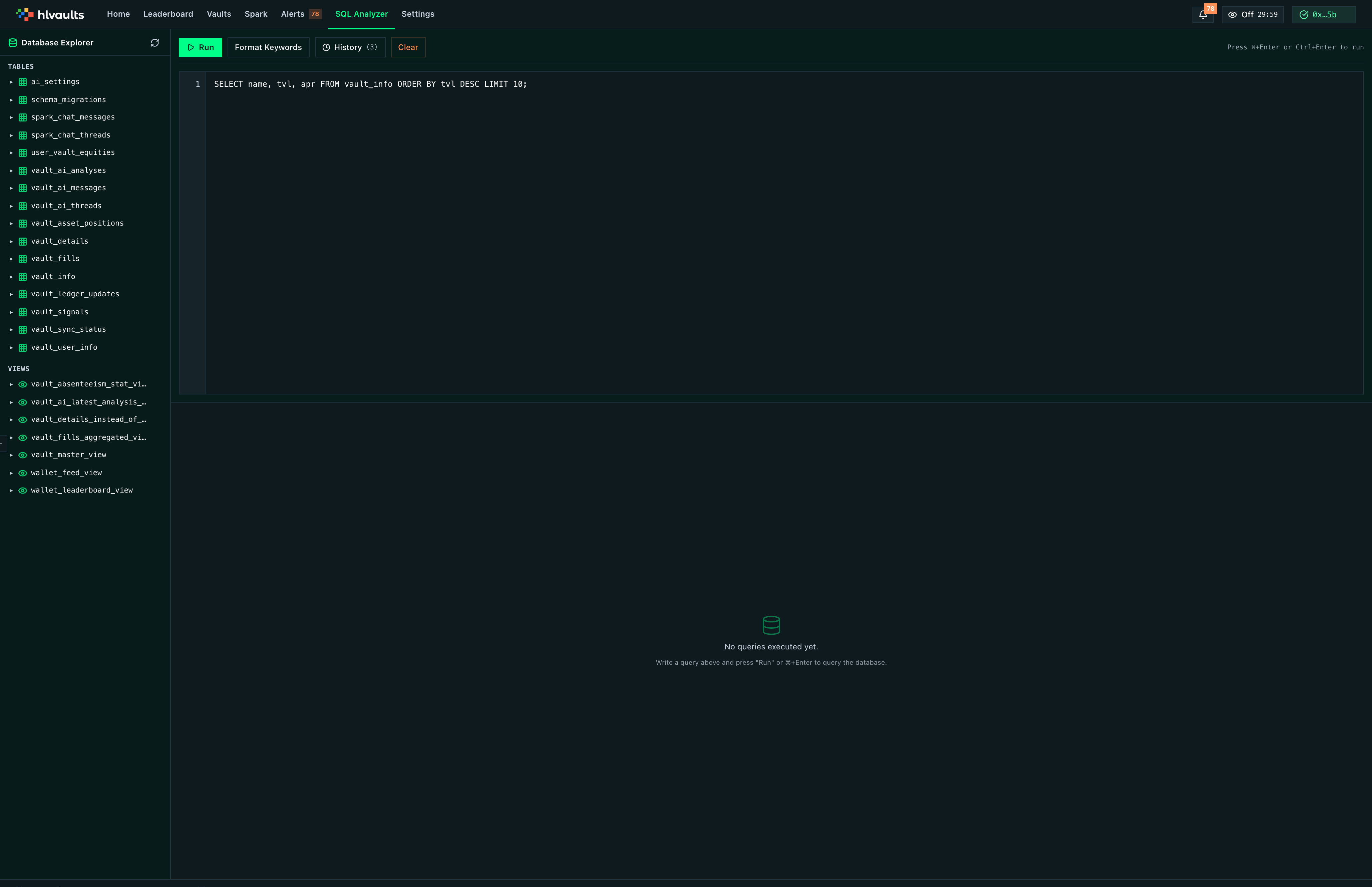
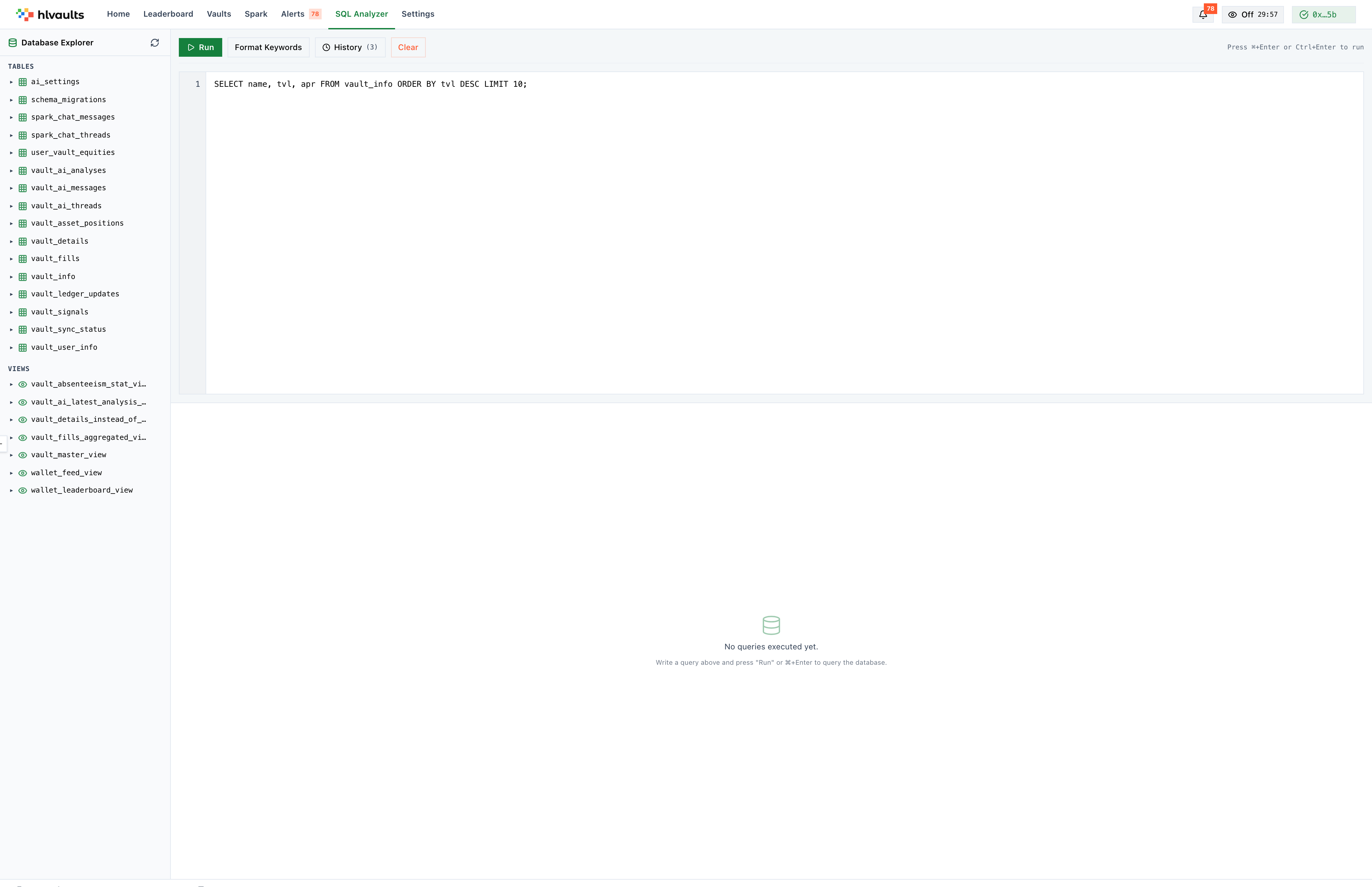
The SQL Analyzer gives you direct read access to your database. Run any query, explore the schema, and inspect results — all in your browser.
★ Pro The SQL Analyzer is a Pro-only feature.
Schema explorer
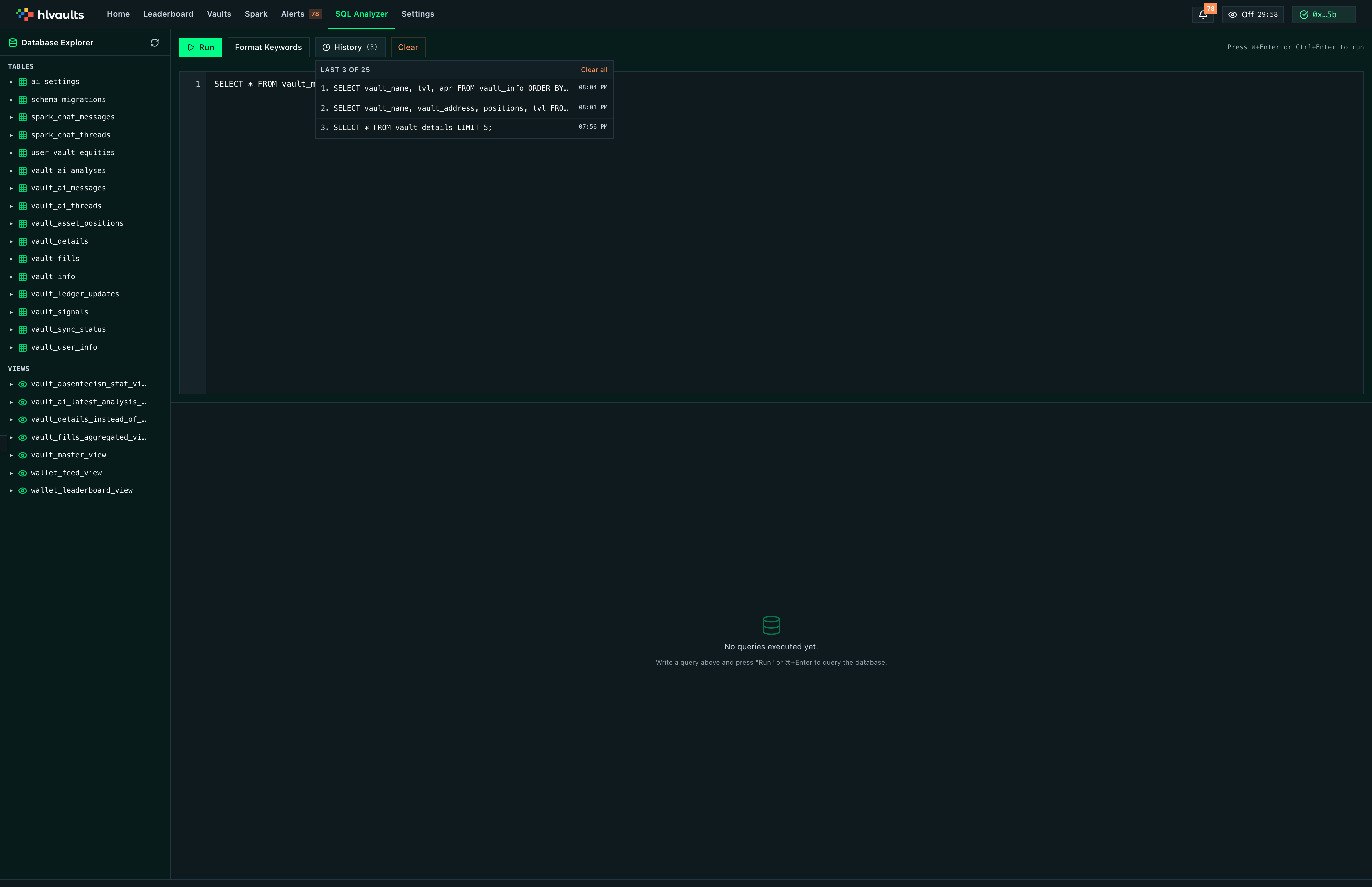
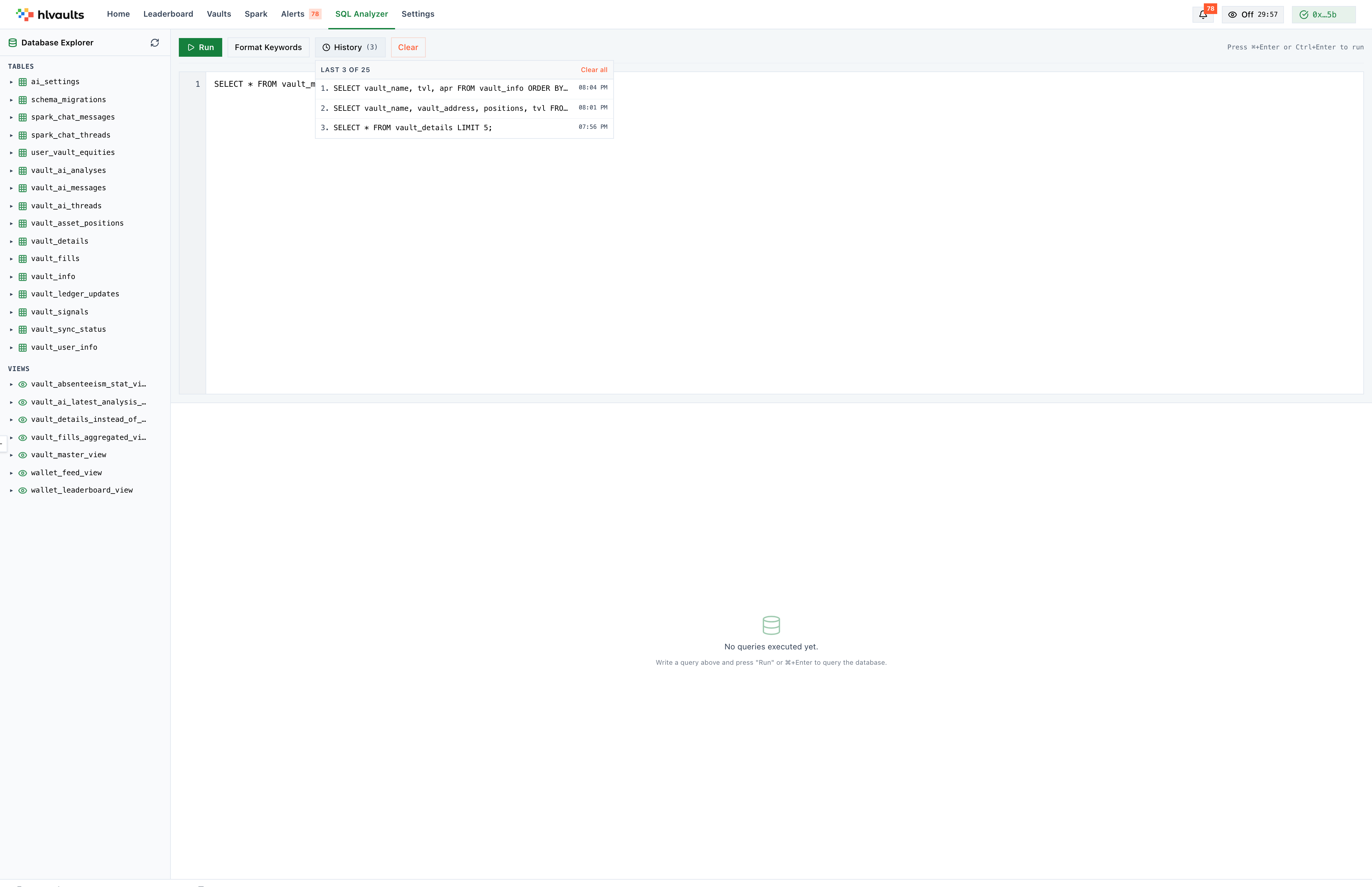
Section titled “Schema explorer”The collapsible sidebar lists every table and view in your local database:
| Table | Contents |
|---|---|
vault_info |
Vault metadata (name, leader, TVL, APR, PnL history) |
vault_details |
Vault state (portfolio, leverage, margins, drawdown) |
vault_asset_positions |
Open positions per vault |
vault_fills |
Trade fills (time, coin, price, size, side, PnL) |
vault_ledger_updates |
Deposit/withdrawal events |
vault_user_info |
Per-user vault data (equity, PnL, lockup) |
user_vault_equities |
User equity balances |
vault_signals |
Computed quantitative signals |
vault_ai_analyses |
LLM analysis results |
vault_ai_threads |
AI chat threads |
vault_ai_messages |
AI chat messages |
vault_master_view |
Master vault listing (view) |
wallet_leaderboard_view |
Leaderboard computation (view) |
vault_fills_aggregated_view |
Aggregated fills (view) |
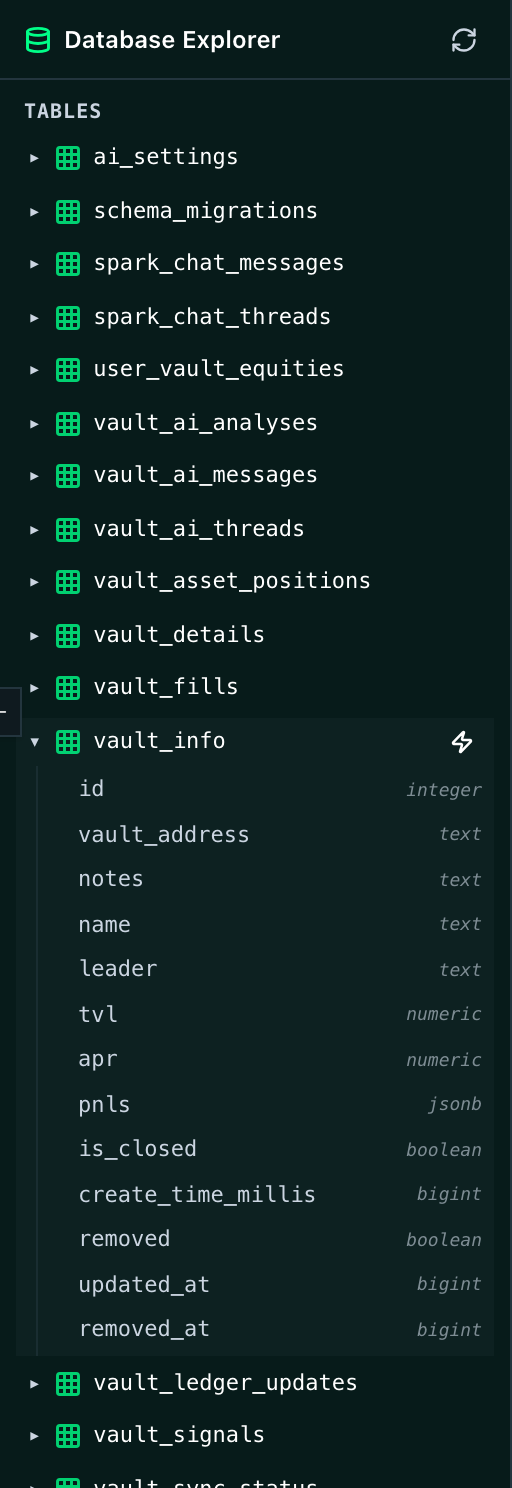
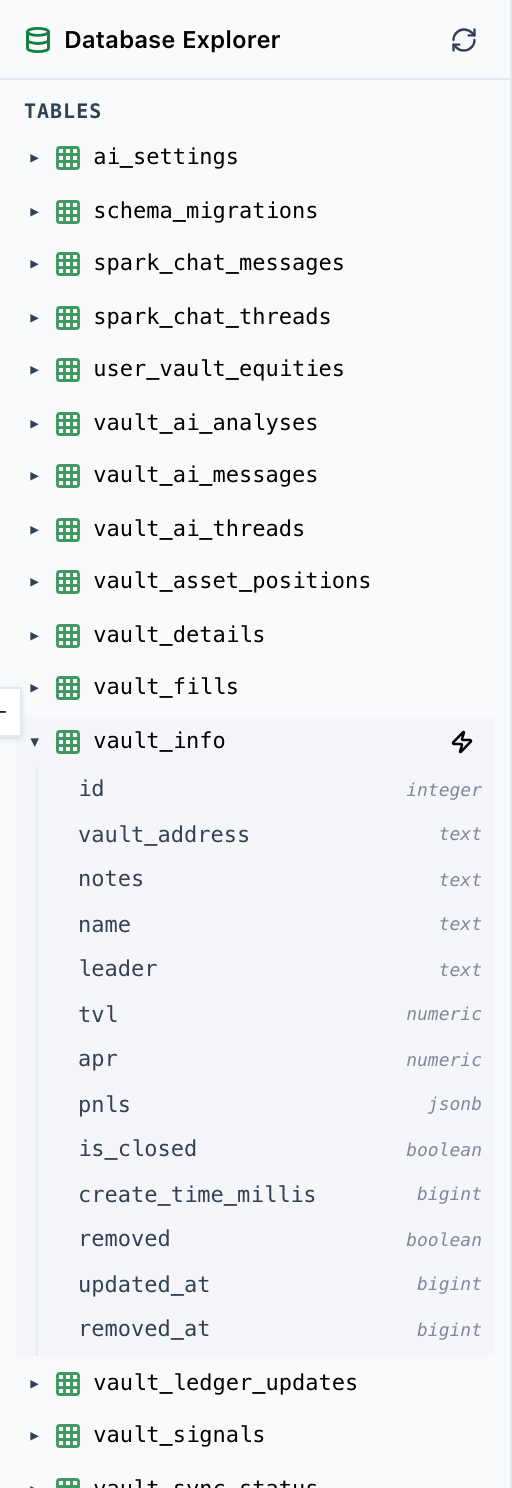
Click any table to see its column names and types. This is a read-only view — only SELECT queries are allowed.
Query editor
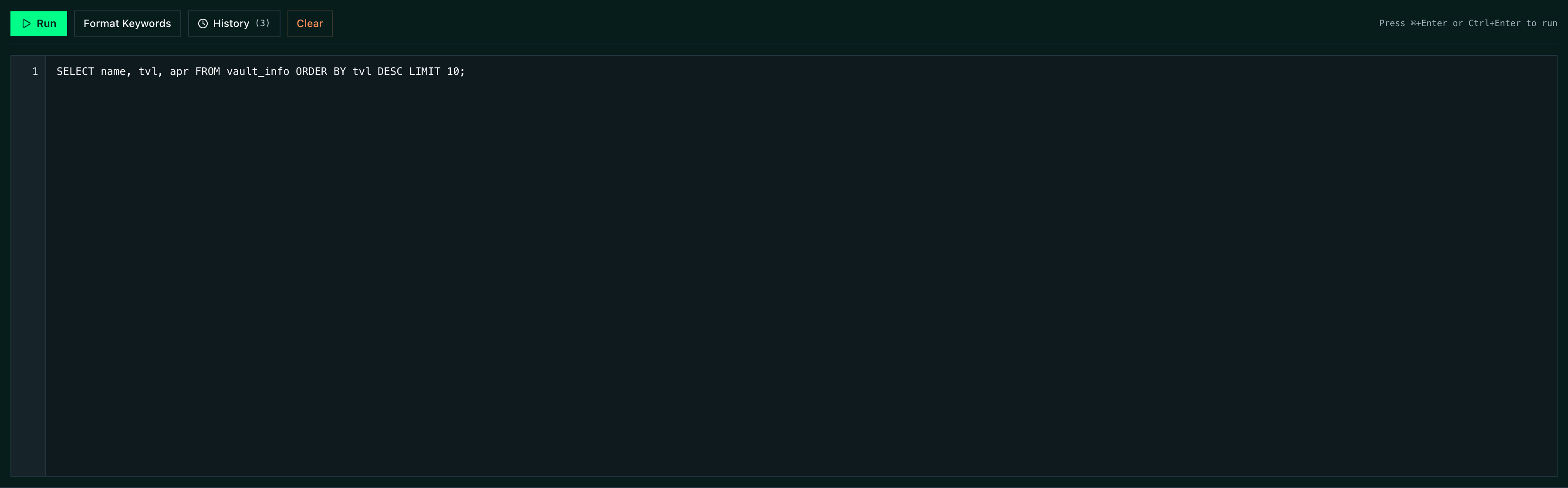
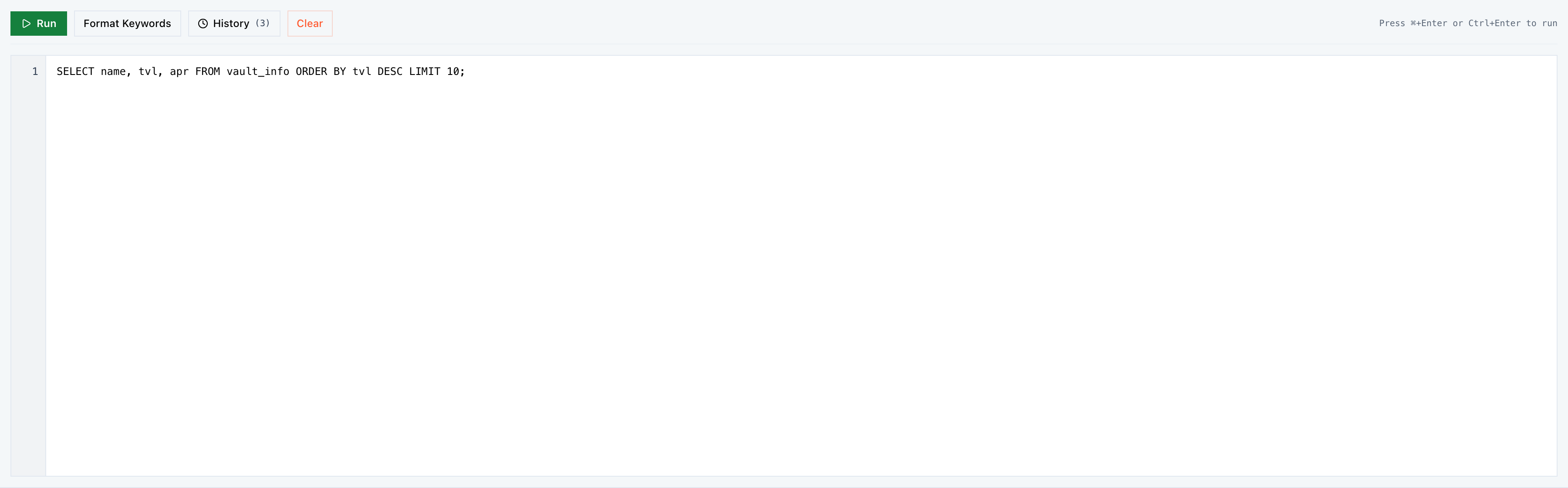
Section titled “Query editor”Write SQL in the editor with:
- Line numbers for easy reference
- Syntax highlighting for SQL keywords
- Format Keywords button to clean up SQL formatting
- Clear to reset the editor
Running queries: Press Ctrl+Enter or click “Run” to execute. Results appear in the panel below. Multiple statements separated by semicolons produce multi-tab results.
Results panel
Section titled “Results panel”Query results display in a sortable table. Each result tab corresponds to a statement in a multi-statement query.
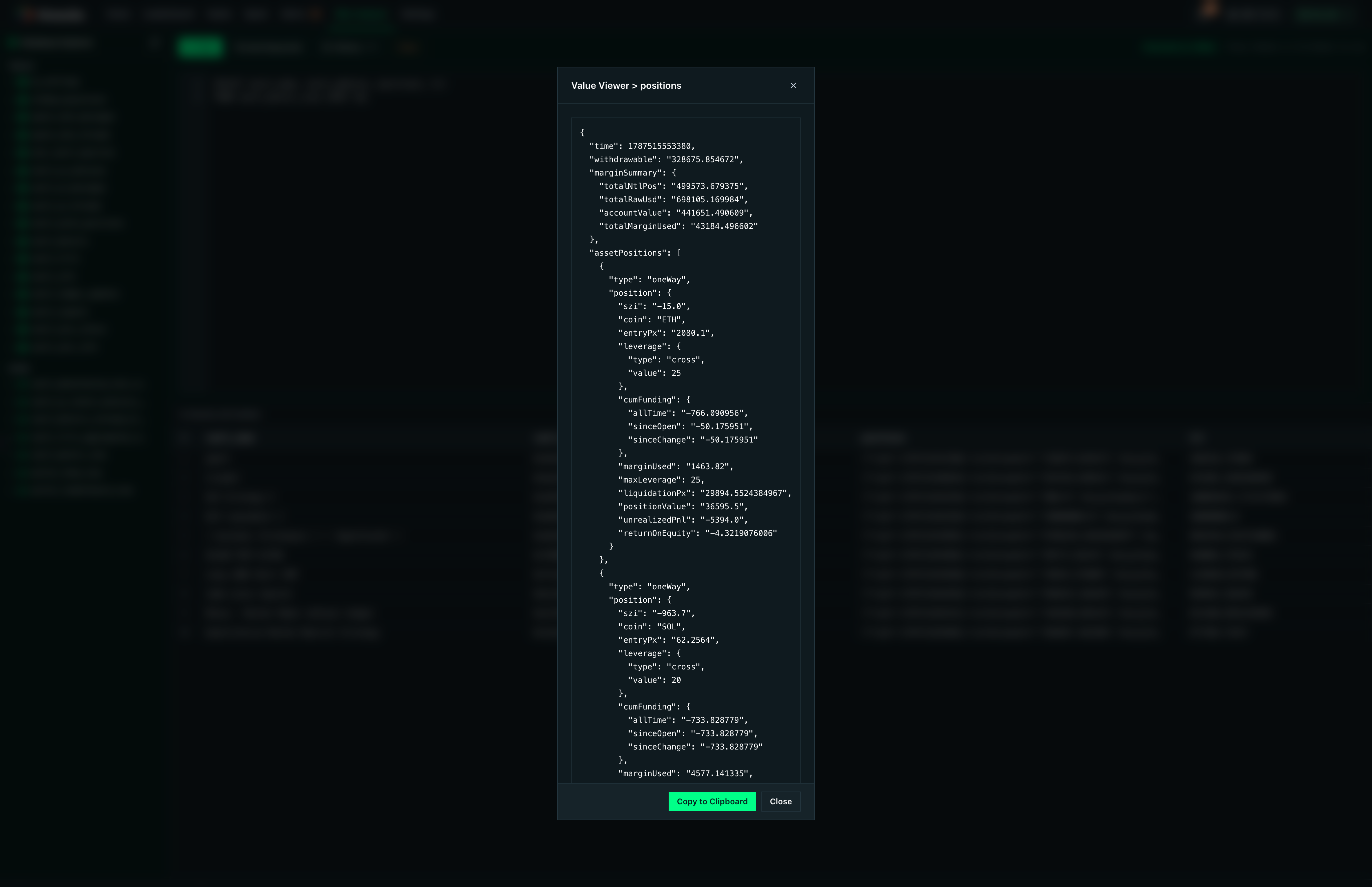
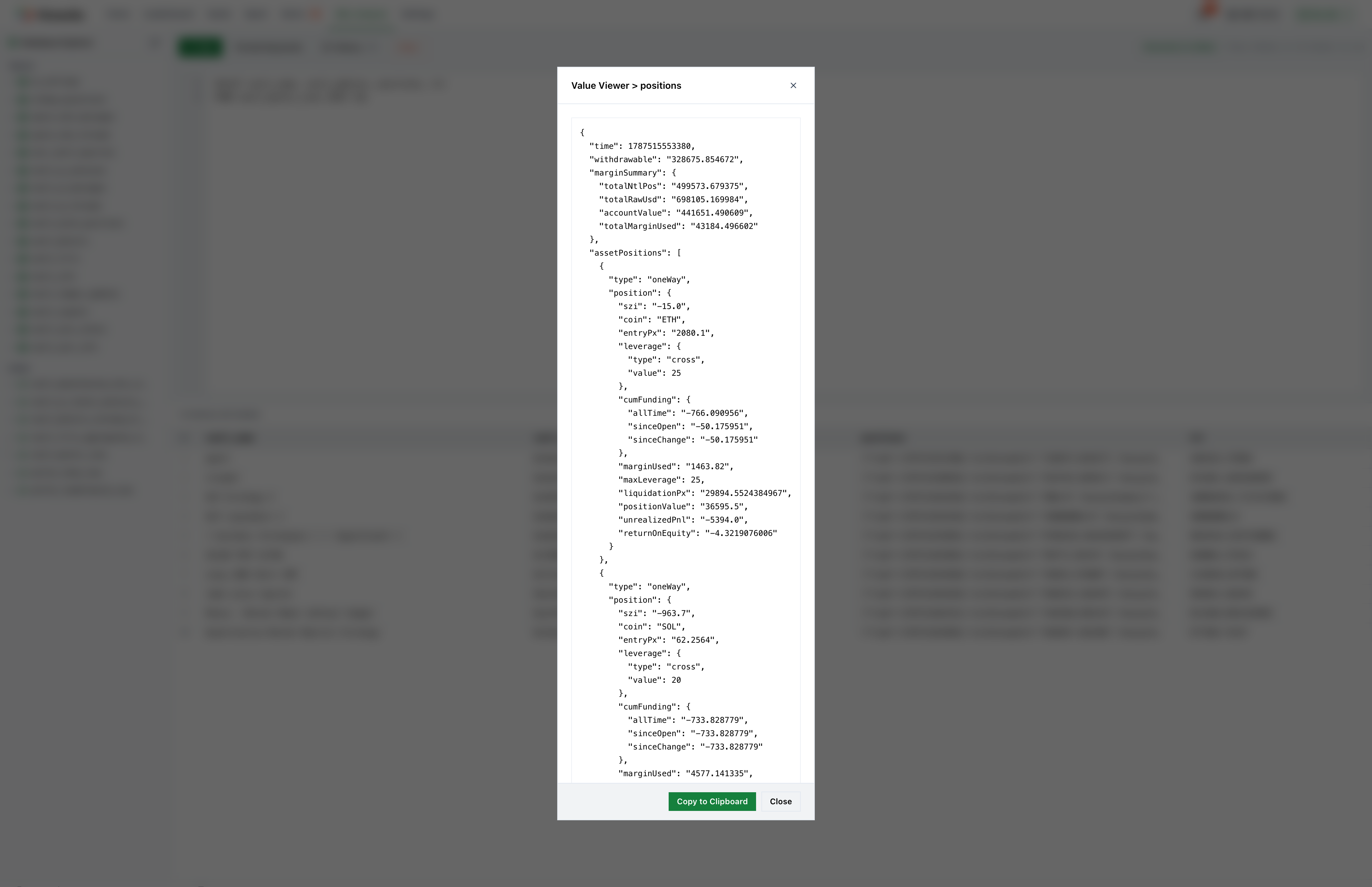
Cell Viewer — Click any cell to open a popup for inspecting large values (JSON, long text).
Query history
Section titled “Query history”Your last 25 queries are saved automatically. Browse history to re-run or reference previous queries. History persists in your browser’s local storage.
Example queries
Section titled “Example queries”-- Top 10 vaults by TVLSELECT vault_name, tvl, apr, leader_performanceFROM vault_master_viewORDER BY tvl DESCLIMIT 10;-- My vaults with performance gradesSELECT vault_name, equity, user_pnl, lp, dpFROM vault_master_viewWHERE user_address = 'your_wallet_here';-- Recently filled trades above $10KSELECT vf.time, vf.coin, vf.side, vf.price, vf.closed_pnl, vi.vault_nameFROM vault_fills vfJOIN vault_info vi ON vf.vault_id = vi.vault_idWHERE vf.closed_pnl > 10000ORDER BY vf.time DESC;Related
Section titled “Related”- Settings — storage, export & backup
- Signals & Intelligence — data behind the signals